
Back to galleryUse this design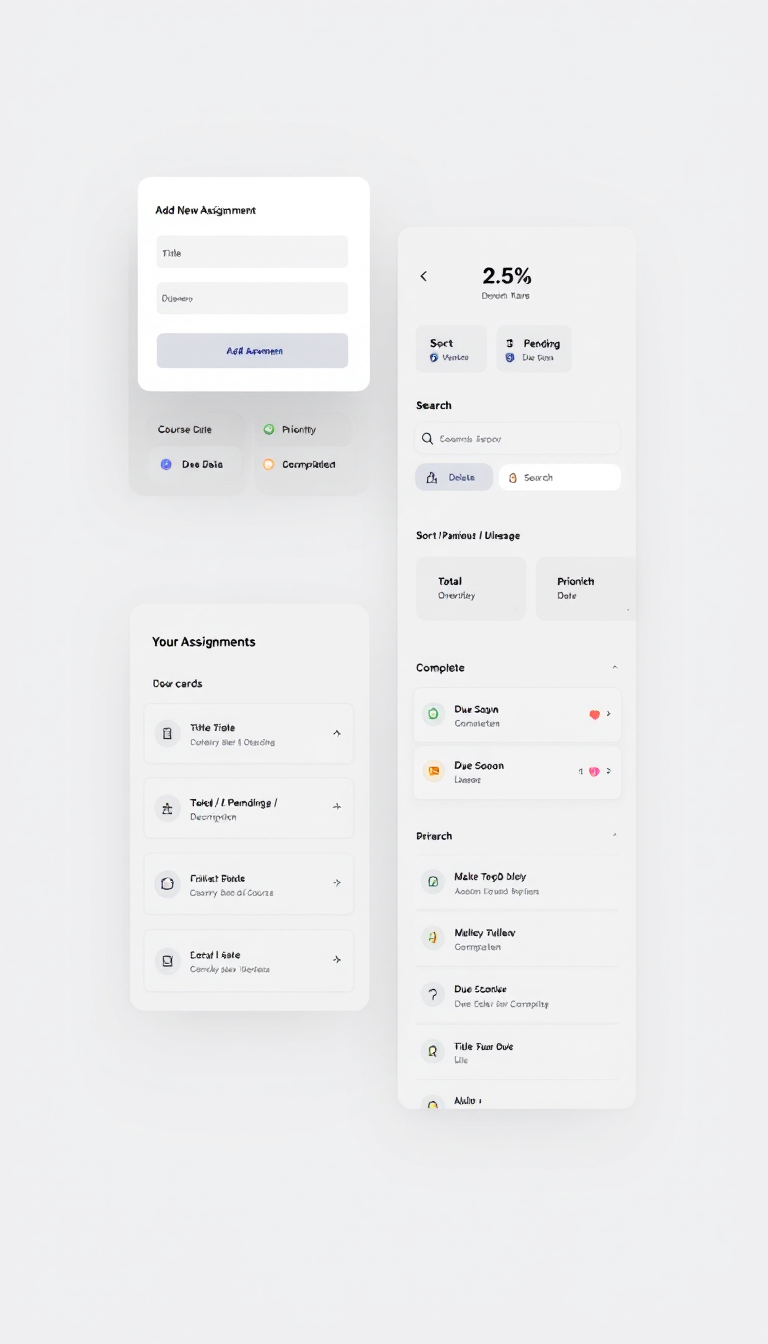
Design a clean, modern one-page Assignment Tracker web UI: left-side white card labeled "Add New Assignment" with inputs (title, course, due date, priority, description) and an indigo "Add Assignment" button; right-side larger panel titled "Your Assignments" with three stat cards (Total / Pending / Completed), search box, sort controls, filter buttons, and a scrollable list of assignment cards showing title, course, priority badge, due status, description, dates, and action icons (complete, delete). Use a soft gray background, indigo as the primary accent, subtle shadows and rounded corners, minimalist icons, and calm pastel status colors for due/priority (red for overdue, yellow/orange for due soon, green for completed) in a responsive, Tailwind-style card-based layout.
August 21, 2025·black-forest-labs/flux-1.1-pro
Ready to build your website?
Get your site up in about a minute.