
Back to gallery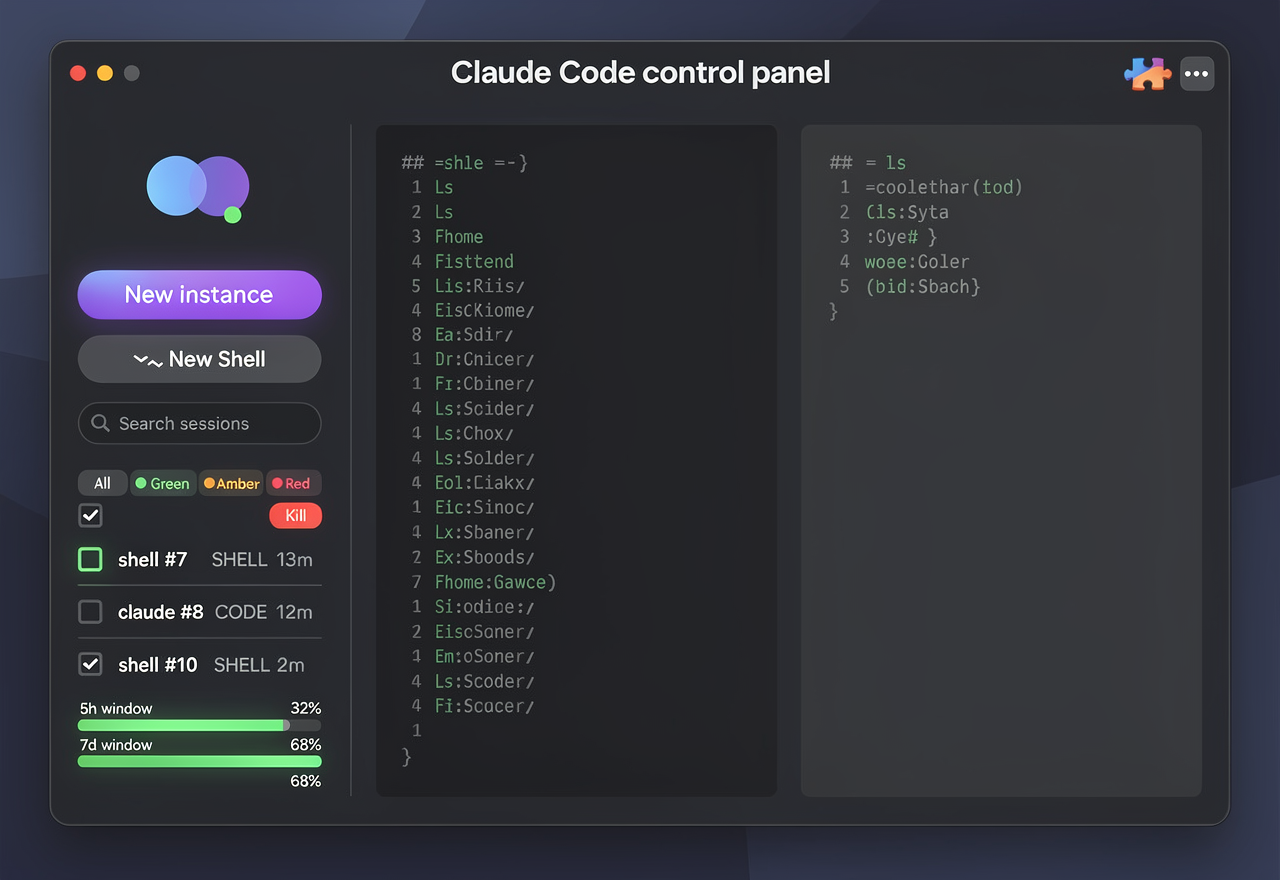
A polished native macOS desktop application UI screenshot, dark theme, called a Claude Code control panel. Top title bar with red/yellow/green traffic-light buttons top-left and the title text area, with a puzzle-piece extension icon and three-dot menu on the right. Left sidebar with a logo of two overlapping circles and a small green status dot, a purple gradient "New instance" button and a ">_ New Shell" button, a search field, a row of small status filter pills (all, green, amber, red), a select-all checkbox with a red Kill button, then a list of three session rows each with a checkbox, green running dot, a name like "shell #7 SHELL 13m", "claude #8 CODE 12m", "shell #10 SHELL 2m". At the bottom of the sidebar two thin green usage meter bars labeled 5h window and 7d window. Main area on the right has two side-by-side terminal panes with dark backgrounds: the left pane shows a plain shell ls output listing home folder items in monospace green/grey text; the right pane shows an active AI coding assistant session with paragraphs of explanation text and an input prompt, plus a small status footer with context and quota percentages. Modern, crisp, high fidelity, deep navy-black background, blue and purple accents, soft shadows, realistic SaaS product screenshot, no logos of real brands.
June 25, 2026·black-forest-labs/flux-2-pro

Ready to build your website?
Get your site up in about a minute.